Customer Relationship Management (CRM) is no longer a luxury reserved for large enterprises. For small businesses, a powerful CRM system is a cornerstone of organized operations, personalized service, and sustainable growth. Among the many options available today, Brevo stands out as a versatile, cost‑effective CRM solution that integrates seamlessly with email marketing, automation, and multichannel communication.
This guide provides a practical, research‑based walkthrough for small business owners on how to set up, use, and optimize Brevo CRM to strengthen customer relationships, streamline workflows, and drive revenue. Whether you’re new to CRM systems or moving from spreadsheets to a structured platform, this article gives you the full picture.
Table of Contents
- What Is a CRM and Why Small Businesses Need One
- Why Choose Brevo CRM
- Getting Started: Setting Up Brevo CRM
- Adding and Importing Contacts
- Organizing Contacts With Tags and Custom Fields
- Managing Deals and Pipelines
- Integrating Email and Automation With CRM
- Tracking Customer Interactions and Activities
- Using Reporting and Analytics to Drive Decisions
- Advanced CRM Features for Growth
- Best Practices for Small Business CRM Success
- Common Mistakes to Avoid
- Final Thoughts
1. What Is a CRM and Why Small Businesses Need One
Customer Relationship Management (CRM) software is a system that helps businesses organize, track, and manage interactions with current and potential customers. Instead of scattered spreadsheets, sticky notes, or siloed email threads, CRM provides structured data, centralized history, and actionable insights.
For small businesses, CRM solves key challenges:
- Keeps lead and customer data unified and accessible
- Tracks sales pipelines and revenue opportunities
- Improves follow‑up and communication consistency
- Supports segmentation and personalized messaging
- Enables data‑driven decision‑making
Effective CRM use directly correlates with higher conversion rates, better customer retention, and more predictable revenue.
2. Why Choose Brevo CRM
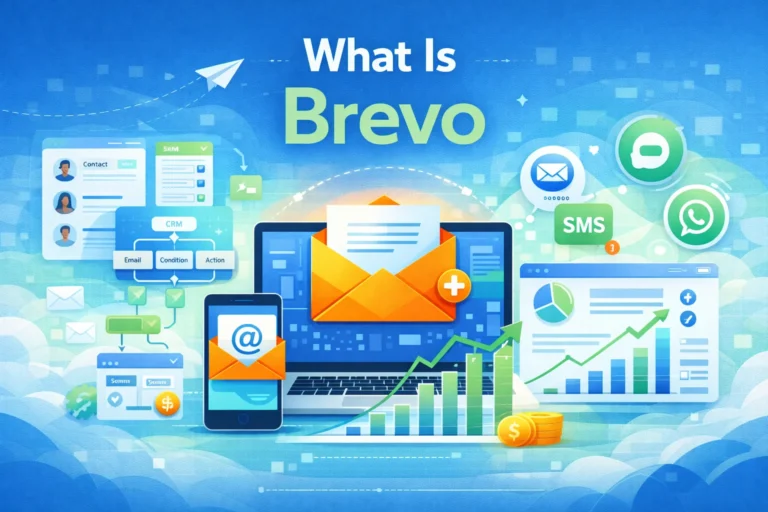
Brevo CRM shines for small business owners because it combines several tools into one platform:
✔ Contact management
✔ Sales pipeline and deal tracking
✔ Email marketing integration
✔ Marketing automation
✔ Multichannel messaging (SMS, push, chat)
✔ Reporting and analytics
✔ Affordable plans with scalable features
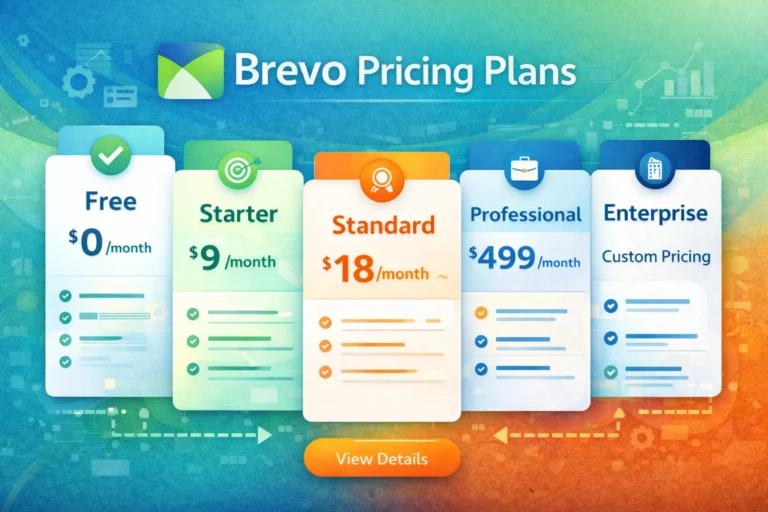
Unlike traditional CRMs that charge per user or per contact, Brevo’s pricing is based primarily on activity and volume, which helps small businesses keep costs predictable while scaling their operations.
Brevo CRM is ideal for:
- Local service businesses
- Online stores
- Freelancers and consultants
- Agencies managing multiple clients
- B2B and SaaS startups
3. Getting Started: Setting Up Brevo CRM
Before you can take advantage of Brevo CRM’s full potential, you need to properly set up your account.
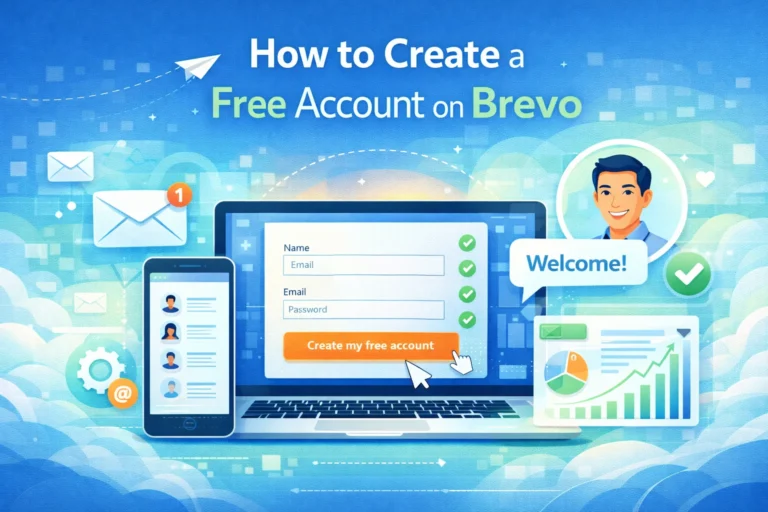
Step 1: Create a Brevo Account
If you haven’t already:
- Visit www.brevo.com
- Sign up with a valid email address
- Complete email verification
Step 2: Access CRM in Dashboard
After logging in:
- Go to the left‑side navigation
- Click CRM
You’ll be taken to the CRM overview page with options to manage contacts, deals, companies, and activities.
Step 3: Configure Business Profile
Under Settings → Company Details:
- Add business name
- Website URL
- Phone number
- Physical address
This information may appear in footers, notifications, and customer records.
Step 4: Set Time Zone & Preferences
Make sure your time zone and language settings are accurate — this ensures activity timestamps and scheduled actions behave predictably.
4. Adding and Importing Contacts
A CRM is only as useful as its data. Brevo allows you to add contacts manually or import in bulk.
Manual Addition
- Go to Contacts
- Click Add Contact
- Fill in fields: email, name, phone, company, custom fields
Manual addition is good for face‑to‑face leads or CRM entries from events, calls, or meetings.
Bulk Import
- Go to Contacts → Import Contacts
- Upload a CSV or Excel file
- Map columns to Brevo fields (e.g., First Name, Email)
- Choose tags or segments
Tip: Clean your list before import — remove duplicates and validate email formats.
5. Organizing Contacts With Tags and Custom Fields
To make your CRM searchable and actionable, use tags and custom fields:
Tags
Tags are labels that help categorize contacts, such as:
- VIP
- Lead Source: Facebook Ads
- Newsletter Subscriber
- Repeat Customer
Tags are especially helpful for segmentation and targeted follow‑ups.
Custom Fields
If your business needs additional data beyond basic contact info, create custom fields:
- Purchase history
- Last purchase date
- Location or district
- Preferred communication channel
By mapping these fields in your CRM, you can personalize interactions and tailor campaigns.
6. Managing Deals and Pipelines
Brevo CRM isn’t just a contact list — it’s a sales engine.
Create a Sales Pipeline
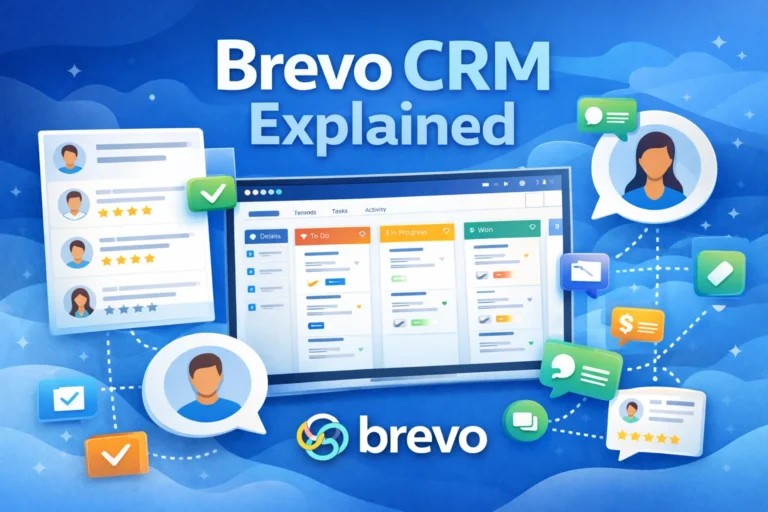
A sales pipeline visualizes where each potential sale stands.
Steps typically include:
- New Lead
- Qualified
- Proposal Sent
- Negotiation
- Closed Won
- Closed Lost
Customizing stages helps reflect your actual sales process.
Adding Deals
To add a new deal:
- Go to Deals
- Click Add Deal
- Assign to a contact or company
- Set deal value
- Set expected close date
- Assign a sales owner
This lets you track revenue opportunities and forecast performance.
Move Deals Through Stages
Drag and drop deals as they progress through your pipeline. This visual approach helps teams prioritize work and maintain momentum.
7. Integrating Email and Automation With CRM
One of Brevo’s biggest advantages is the way CRM integrates with email marketing and automation workflows.
A. Send Emails Directly from CRM
In a contact or deal view, you can compose and send personalized emails — and Brevo logs interactions automatically.
B. Automated Follow‑Ups
Set automation triggers based on CRM events:
- When a deal is created
- When a contact reaches a certain score
- When a lead hasn’t engaged in 30 days
Workflows ensure timely follow‑ups without manual effort.
C. Behavioral Tracking
Brevo tracks:
- Opened emails
- Clicked links
- Website visits (if integrated)
- Purchase events
This data syncs with CRM activity logs and informs smarter segmentation.
8. Tracking Customer Interactions and Activities
A CRM should capture the history of interactions between you and your customers.
Contact Timeline
Every contact profile includes a timeline showing:
- Emails sent and opened
- Links clicked
- Notes added
- Deal changes
- Tags updated
This historical view helps personalize future communication.
Activity Logging
Brevo allows you to add:
- Notes
- Calls
- Meetings
- Tasks
Activity logs ensure all team members see what’s been done and what’s pending.
9. Using Reporting and Analytics to Drive Decisions
Data is only useful when you interpret it.
In Reports you can analyze:
- Contact growth over time
- Deal value and pipeline velocity
- Email engagement metrics tied to CRM status
- Conversion rates from lead to paying customer
These insights help you:
- Identify bottlenecks in sales processes
- Spot your best lead sources
- Improve follow‑up performance
10. Advanced CRM Features for Growth
Brevo CRM includes advanced tools that help you go beyond basic contact management:
Lead Scoring
Assign scores based on behavior like email opens, clicks, and website visits. Higher scores indicate warmer leads.
Automated Lead Assignment
Automatically distribute leads to team members based on rules (e.g., geography, product interest).
Multichannel Messaging Integration
Beyond email, you can send:
- SMS
- Push notifications
- WhatsApp messages
These channels boost engagement, especially for time‑sensitive messages.
CRM + Forms + Landing Pages
Brevo allows you to capture leads with forms and landing pages that feed directly into your CRM.
This turns traffic into actionable CRM contacts — fully automated.
11. Best Practices for Small Business CRM Success
Getting value from CRM requires discipline and strategy.
A. Keep Data Clean
Remove outdated or duplicate contacts. Validate email formats for deliverability.
B. Update Activities Promptly
Log calls, meetings, and notes in real time.
C. Use Custom Fields Thoughtfully
Capture only data that will help personalize communication.
D. Automate Routine Tasks
Use workflows for welcome messages, follow‑ups, and reminders.
E. Review Reports Weekly
Weekly review ensures issues are spotted early and plans stay on track.
12. Common Mistakes to Avoid
Even the best CRM systems fail if misused.
Mistake 1: Treating CRM as a Database Only
CRM should inform action — not just store contacts.
Mistake 2: Ignoring Segmentation
Without segments, your messaging will be generic and less effective.
Mistake 3: Skipping Activity Tracking
Missing activity logs leads to loss of context and mishandled follow‑ups.
Mistake 4: Not Cleaning Data Regularly
Dirty data leads to inefficiency and poor engagement.
13. Final Thoughts
A well‑implemented CRM system is a strategic asset for any small business. Brevo CRM stands out by combining contact management, sales pipelines, automation, and messaging within a single platform that scales with your business needs.
By following this step‑by‑step guide — from setup and contact organization to automation and reporting — you can transform how your business interacts with customers. The result is not just cleaner data, but better relationships, faster sales cycles, and predictable growth.
Invest time in planning, adopt best practices consistently, and use data to refine your approach. With the right CRM strategy in place, your small business will be better equipped to compete and thrive in 2026 and beyond.
FAQ’s
1️⃣ What is Brevo CRM and how does it help small businesses?
Brevo CRM is a customer relationship management platform that helps small businesses organize contacts, track deals, manage sales pipelines, and automate communications. It integrates email marketing, multichannel messaging, and automation workflows to streamline operations, improve customer engagement, and drive revenue growth.
2️⃣ How do I add contacts to Brevo CRM?
You can add contacts in Brevo CRM either manually or via bulk import.
- Manual addition: Go to Contacts → Add Contact and fill in fields like name, email, phone, and company.
- Bulk import: Upload a CSV or Excel file, map columns to CRM fields, and optionally assign tags or segments. Cleaning your data before import ensures accuracy.
3️⃣ Can Brevo CRM automate follow-ups and email campaigns?
Yes, Brevo CRM integrates seamlessly with automation workflows. You can set triggers based on:
- Contact added to a list
- Deal stage changes
- Engagement actions (opened emails, clicked links)
Automation allows you to send personalized emails, SMS, or messages automatically, improving engagement and reducing manual effort.
4️⃣ How can I track deals and sales pipelines in Brevo CRM?
Brevo CRM uses visual pipelines to track deals through stages such as:
- New Lead
- Qualified
- Proposal Sent
- Negotiation
- Closed Won/Lost
You can assign deals to contacts, set deal values, expected close dates, and monitor progress. Drag-and-drop functionality makes pipeline management simple and intuitive.
5️⃣ How do I use Brevo CRM analytics to improve my business?
Brevo CRM provides detailed reports and analytics, including:
- Contact growth
- Deal conversion rates
- Revenue forecasts
- Email engagement linked to CRM contacts
By analyzing these metrics, you can optimize sales processes, refine marketing strategies, identify bottlenecks, and make data-driven decisions for better business performance.